
A Virtual Private Network is a tool. It hides your real IP address. It encrypts your internet traffic. Many people use a VPN to stay safe online. They want to keep their data private. They want to stop trackers.
You turn on the VPN. You pick a server. The app says you are protected. You feel safe. But sometimes, things go wrong. Your real identity can still leak out. This is a big problem for online privacy.
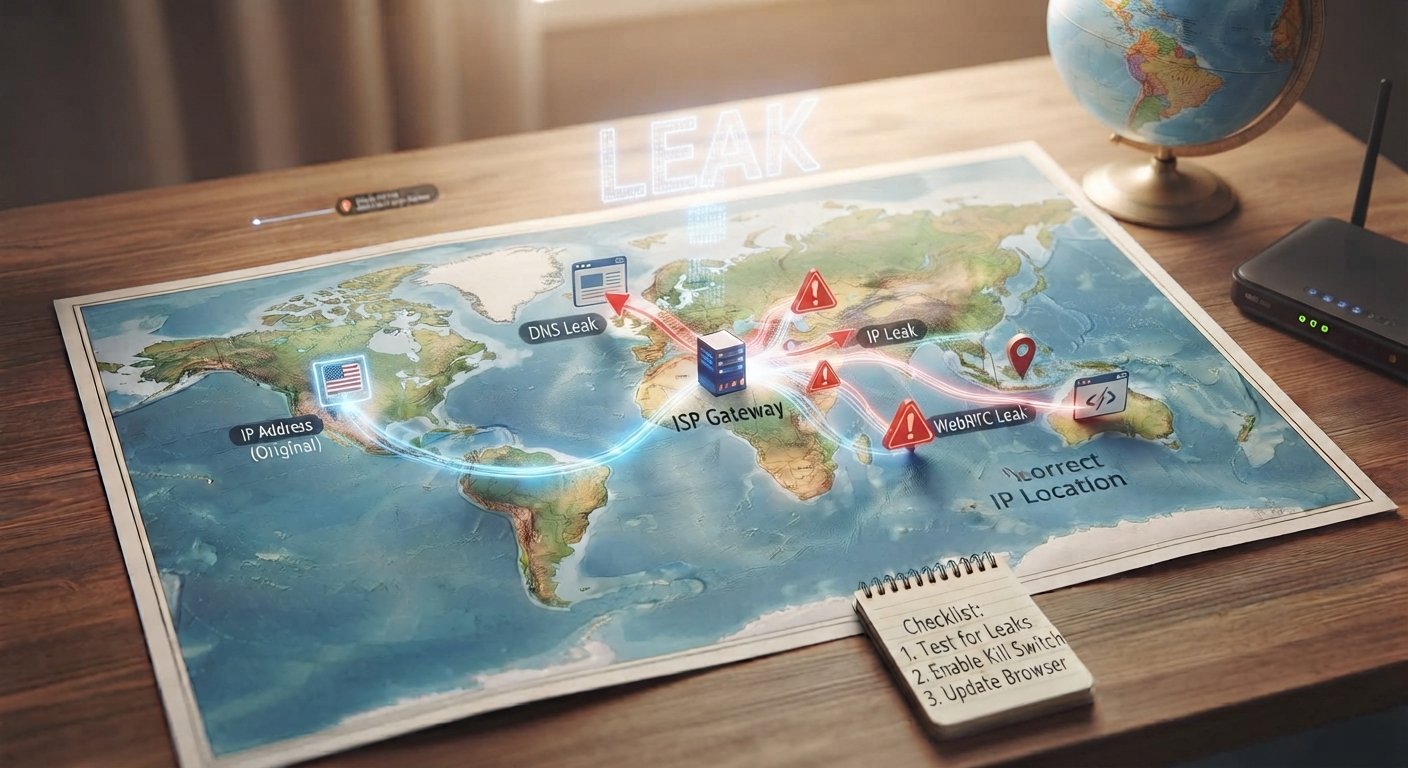
There are a few ways a VPN can leak your info. One common way is an IP leak. Your computer might talk directly to websites. It bypasses the VPN tunnel. This happens when the connection drops. It can also happen due to bad software settings.
Another issue is the DNS leak. Your computer asks where websites are located. These requests might go to your internet provider instead of the VPN. If this happens, someone can see the sites you visit. Your VPN is not hiding everything.
WebRTC is also a risk. It is a feature in modern web browsers. It lets your browser talk to other devices directly. It can expose your real IP address even when a VPN is turned on. You have to change your browser settings to stop this.
You need to test your connection. There are free websites online. They check for IP leaks. They check for DNS leaks. Run these tests often. Do it before you do important tasks online.
Turn on the kill switch feature. This is very important. The kill switch stops all internet traffic if the VPN drops. It keeps your real IP hidden. Most good VPN apps have this option.
Keep your software updated. Update your VPN app. Update your web browser. Old software has bugs. Fixes help close security holes.
A VPN is helpful for privacy. But it is not magic. Leaks can still happen. Check for IP and DNS leaks often. Use a kill switch. Stay aware of your browser settings to keep your real data safe.